Pages

Wednesday, November 12, 2014

Showcase Student Work with QR Codes

Now that Missouri weather has plummeted to the freezing mark I guess it's time to stop dreaming of magnificent blue oceans and cool summer nights.  Burr, it's winter in November and a great night to sip a caramel latte and create this long overdue post.

I have a new position within my district and am fortunate to work with fabulous teachers who should be writing this blog instead of me. Thankfully, teachers are life long learners because I'm learning so much from the amazing teachers in my building.

One of the main attractions at our school this year is our Wall of Fame.  During the first quarter our third grade team decided to create a Third Grade Wall of Fame. What is special about our wall? Each student has their own picture displayed on the wall with a personalized name plate. Attached to each picture is a QR code.  Visitors or students can use a QR reader on their smart device to watch presentations created by students.

The great news is we don't have to change the QR code every time we want to change the project displayed.  We were introduced to a company called delivr.com at ISTE.  This site allows us to change the link on our QR codes without changing the QR code.  No more continual hot glue guns, rolling tape, or repairing fallen displays throughout the year. The Wall of Fame stays up all year and the display is changed by a simple click of a button. Woot! Woot! Students also received a copy to place on their "wall of fame" at home (refrigerator).

Students choose what they would like to showcase on their QR code.  They can be very creative when they know their work is going to be displayed for the world to see. If they decide they have something better, we simply change the link to their new project or video.

...and who wouldn't want to have their picture displayed on a Wall of Fame?

So as you sip your latte, warm by the fire, curl up on the sofa, or rehearse your "snow dance"...dig out a great idea and share it with us.

Melissa's Snow Dance definition -
1. A dance ALL educators participate in when a dusting of snow is predicted by the weather forecaster.
2. Snow dances will initiate a personal phone call from a school superintendent letting teachers know that we can sleep late.
3. If a teacher states they do not participate in a snow dance they are lying.

Saturday, August 16, 2014

Virtual Co-teaching


Back in May my innovative friends (@ and @MissCollins606) and I decided to combine our fourth and sixth grade classrooms for a co-teaching project.  We called it The Dot Project. Although we are in the same district and meet regularly to discuss innovation, co-teaching was not as easy as walking our students down the hallway to join another class. All 3 classrooms are in different buildings and in different parts of our city.  Our SOLUTION was GHO (Google Hangout).

How did the project work?

Preplanning
Our teacher group met 3 times to plan for the unit.  First, we met during a GHO to plan. What?  A GHO can be used for teachers to plan? Absolutely! I have found it works great for planning when there is not time to drive across town to meet.  Our second planning session was in person and our third and final planning session was via GHO.

The project was built around the 6th grade students giving the 4th grade students advice as they transition to Middle School.  In turn the project enabled the 6th grade students to help themselves be less anxious about Junior High. The literature selected for the project was:
The Dot by: Peter H. Reynolds
This book had a perfect theme for the project.

The Lesson

During the lesson each teacher had a responsibility after the classrooms connected via GHO.
Teacher 1: Delivered objectives and introductions.
Teacher 2:  Played the video reading of the book through the GHO for all classes to watch.
Teacher 3:  Lead a discussion about the story and what students can learn from the story.
Teacher 4: Discussed with the classes the writing assignment and action plan for each classroom.

Follow UP

4th grade students created a Padlet to share with the 6th grade students.
6th grade students created a presentation to share with the 4th grade students.

Would I try this again?  ABSOLUTELY!  I would highly recommend finding a co-teacher (in your district, outside your district, or on the other side of the world) and JUMP.  JUMP simply means quit standing beside the pool wishing and hoping you can get in the water. Count to 3 and JUMP in.  You will have a blast learning, but most importantly...so will your students.


JUMP!

P.S. International Dot Day is coming up on September 15th.  If you would like to JUMP in the water and co-teach a lesson feel free to comment on this post or send me an email. Happy virtual co-teaching!


Saturday, July 19, 2014

Global Read Aloud

I've had a great time at the beach this week. What activities are at the top of my vacation list?

• soaking in the sun
• eating seafood
• lots of reading

One great read during my vacation is Kate DiCamillo's The Miraculous Journey of Edward Tulane. Third grade students in my building will be reading this book during the fall and participating in the 2014 Global Read Aloud. I can't wait for students to read and connect with other students around the world. It's going to be exciting!


Wednesday, July 2, 2014

ISTE


I just returned from the ISTE 2014 Conference in Atlanta, GA.  Let me just say, WOW!  I've never been around so many tech savvy and innovative teachers in my life.  I am back to reality now and am so excited to review, meditate, and continue learning from the people I met and received resources from.

This was my first time to attend ISTE and it WILL NOT be the last. Before attending the conference, I had a Twitter friend tell me that I should go to ISTE even if I had to pay for it myself.  Now that I've been...I totally agree!

What makes ISTE so awesome?
  • Sessions for everyone (Lectures, hands on, interactive, technical, posters)
  • Excellent exhibits with personalized instruction/learning
  • Innovative presentations
  • Global presenters
  • Student presenters
  • Connections with other educators
Make your plans now to attend ISTE 2015 in Philadelphia, Pennsylvania. Registration begins October 1, 2014.

Here are a few pics from Atlanta:
Welcome to ISTE - King of Pops (Popsicles)
Webb City Gang


Poster Session
Poster Session
Poster Session
Braves Baseball
Turner Field

Scholastic Dinner at Georgia Aquarium

Great views during evening!

Eric Sheninger - Our guest speaker at Scholastic dinner.
Author/Blogger, Lisa Parisi, signed my book Making Connections with Blogging.

Saturday, June 28, 2014

New Idea for Web Quest

Let me start with a disclaimer: I am not affiliated with Smore.com nor have I collaborated with anyone from Smore.com.  This post was created because I love using the website with my students.

When I started using technology in my classroom I was determined that it was not going to be used for playing. As I look back over the past year I realize I really did not have a clue what students could accomplish by using technology.  I initially starting thinking what apps or tools can students use, and quickly switched to thinking what apps can students use to create and show what they are learning.  I wanted to ensure the tech was being used for learning.  How was I going to create a learning environment that would engage students and be easily managed?

Although Google Drive has been a fantastic (can't live without) solution that worked well for our classroom, another great resource was www.smore.com. Smore is a website that allows users to create web based flyers.  These flyers are great to use for project based learning activities.  The flyers are very simple and fast to create and can easily be shared with students.  The flyers can include activities, videos, web links, rubrics, or quizzes.  Different kinds of flyers can be created and educators can create an unlimited number of these flyers.

Why would I want to make a flyer for my students? I use it for project based learning activities. During the past year I created several educational flyers at Smore.com for my students.  The flyers included step by step instructions to complete a project, similar to a web quest.  Some of these projects were completed with a partner in our classroom and some were completed with students in another building within our district.  These flyers are easy to use and make it possible for students to collaborate on projects with students around the world.


A project in Smore.com is very easy to make.  You can:
  • create text
  • add a picture
  • embed a link
  • include audio
  • embed a video
  • include a form (for assessment)
  • link to a rubric

I LOVE Smore because I can include everything from standards in kid friendly terms to assessments and rubrics right on the flyer.  There are so many possibilities.  I've included a social studies project below that was created at Smore.com


After the flyers are created at Smore.com you can easily share them by:
  • email
  • Facebook
  • Twitter
  • Google+
  • Pinterest
My students do not have email access but they all have Google accounts.  I usually share a link to the flyer in their drive or create a quick QR code for the students to scan.

Another plus...if I change my mind on an activity or need to correct something, I simply login to my account, make the changes, and the changes will automatically be made when my students go to the flyer.  I also love the possibility of reflecting on a lesson and making the changes right after the lesson instead of waiting until the next year and trying to remember. I'm too old for that.

I challenge you to give www.smore.com a try.  You will find it is easy, quick, and fun.

Have you thought a way you could use Smore.com in your classroom? Leave a comment or example below.  My readers would love to read them.

Wednesday, June 25, 2014

Headed to the Superbowl


Two Days and I’m headed to the Superbowl.  I can hardly wait.  Oops, let me explain.  I realize it is June. This Friday, 17 Webb City techies are taking flight to the Superbowl of all tech conferences.  Our team is headed to the International Society for Technology in Education Conference in Atlanta, Georgia.  

Our Superbowl gear may not be war paint, crazy hats, and signs…but we are loaded with our laptops, iPads, Chrome books, and cell phones. What better gear can you have for the Superbowl of ed tech?

I’m beyond excited.  Last summer I followed the conference on Twitter and was dreaming about attending. This year it is becoming a reality (I hear the “Take Me Out to the Ballgame” song playing…oh wait, wrong sport).  I’m pretty sure I’m more excited than a real Superbowl (sorry, football friends). Last year over 18,000 educators from around the globe attended the conference in San Antonio, with over 800 concurrent sessions.  You see it really is the Superbowl of ed tech.

Every time I read a blog about #iste14 I’m a little more excited.  Being a “newbie” to the conference I have tried to read as many blogs as possible and tried my best to prepare for what is going to take place during the 5 day event.

The count down...

Registration – check
Sessions and vendors favorited – check
District Preparation meeting – check
Airline confirmation – check
Room assignment – check
ISTE App downloaded – check
District Twitter hash tag (#wciste14)  – check
Business cards – check
Comfy shoes – check
Luggage ready (extra space to bring home souvenirs) – check

Why am I excited about attending such an event?

I’m ready to discover sources of inspiration and meditate on how to incorporate this knowledge into curriculum so our students become more engaged thinkers and creators.

I’m looking to be recharged and invigorated with new ideas presented by the experts.

I’m excited to connect with educators around the globe and soak up all of their creativity. 

I’m eager to collaborate with fellow teachers to create meaning and give life to educating our students.

When football fans go to a Superbowl they are filled with excitement.  They anticipate...having a great time with old and new friends, watching a fantastic game in hopes their favorite team will win the national championship, and returning home to celebrate their new experiences.  As we head to this Superbowl of conferences we are anticipating...collaborating with veteran and new teachers, watching and participating in amazing presentations, and returning home to share these experiences with other educators and students.

It’s going to be a great event!  Go #ISTE14

Stay tuned for Superbowl Pics headed your way.


Tuesday, June 24, 2014

Google Gathering

Summertime is a time for relaxing, refreshing, and … oh yes, PD.  Twenty five of my Webb City friends recently attended the Google Gathering in Girard, Kansas.  What a great way to spend a summer day!


photo (35).JPG
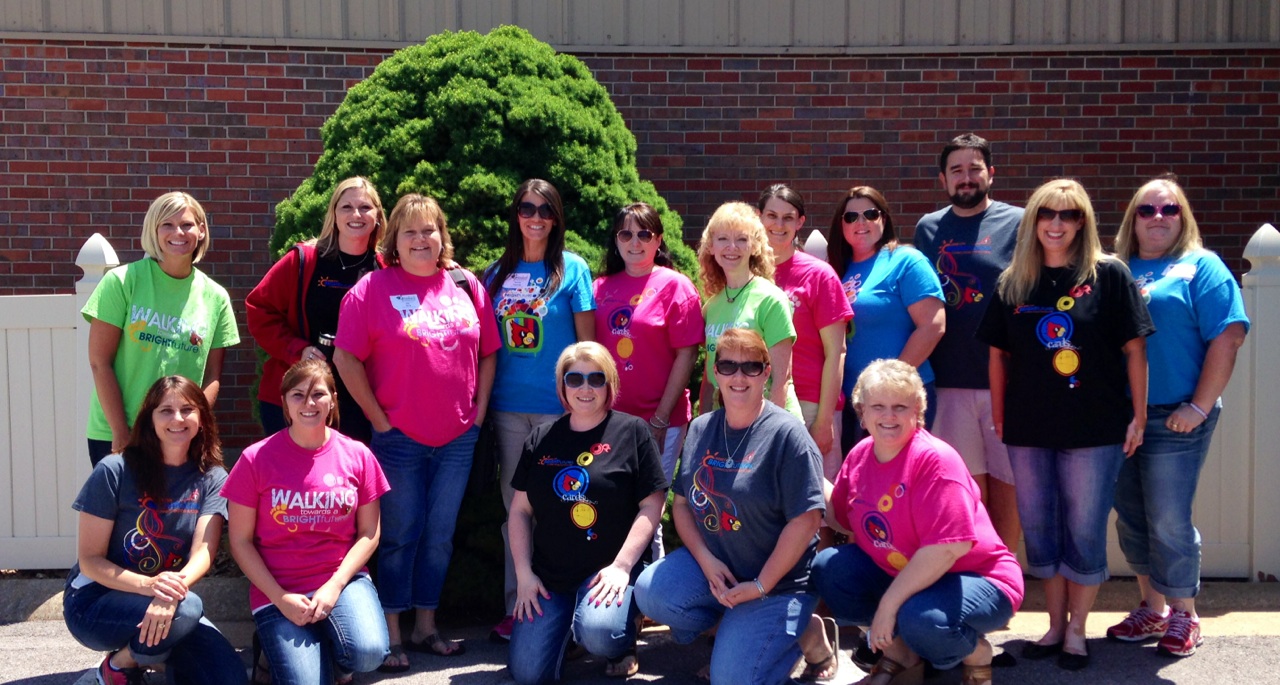
Webb City Staff with our Bright Future T-shirts
Our team generated a lot of new ideas. I attended sessions by Kyle Pace, Judy Griffin, and Ryan Loots. These sessions discussed using Google forms to assess student learning, Google Drive, using Google Hangouts (GHO), and creating an online textbook using Google Sites. The day also brought about an aha moment, “our team has learned SO MUCH about technology in the past year”. It was encouraging to gather new ideas during this gathering, but we also celebrated how much we have learned and applied in our classrooms already.


Things we have learned in the past year:


1. We can't live without Google Drive in the classroom.


We use it for reading, writing, spelling, math, social studies, and science.  Did I leave anything out? We use it in EVERY subject.
You might ask how we use Google Drive.  There are so many possibilities but I’ve listed a few examples below.


Reading
  • Responding to reading
  • Collaborating with other students (even in other buildings)
  • Assessing using Google Forms


Writing
  • Creating blog posts and using the comment tool to gather feedback from students and teachers


Spelling
  • Creating word sorts
  • Sharing with teacher


Math
  • Sharing student created videos with classmates and teachers


Science/Social Studies
  • Collaborating with students in other classrooms
  • Sharing projects
  • Researching
  • Writing, editing, and sharing research


2.  Google Drive requires trial and error to accomplish great things.  It's amazing that my techy friends and I made it through the past year. I'm pretty sure our patience grew 10 fold over the year. We became experts at practicing the stress relief activities our school counselors always talk to our students about...but in the end I wouldn't change a single thing.  I LOVE THE TECH IN MY CLASSROOM and I LOVE what students are creating.


3.  You can not be successful in the techy world ALONE.  Find a buddy teacher, Twitter friend, or expert. Share and collaborate! This is a must!


Finally, I've learned I can't teach without technology, especially Google Drive. It has engaged my students, fostered creativity, and become a tool my students use daily.

If you need more information about using Google Docs in your classroom, check out these resources:


Do you have a creative way to use Google Drive with your students/staff or a great resource? Please share.  We LOVE new ideas.